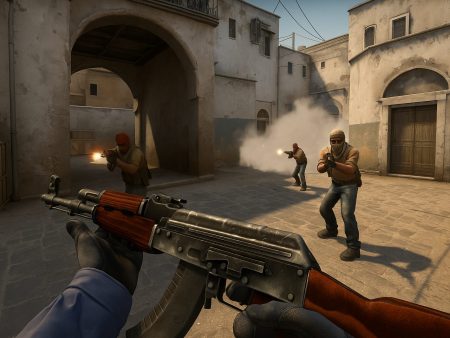
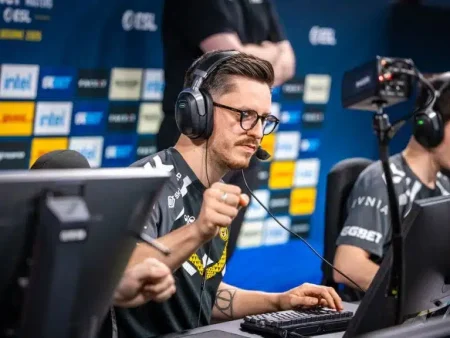
Master CS2 with this ultimate 2025 guide covering advanced tactics, pro strategies, aim training, utility lineups, and competitive tips to rank up fast and play like a pro.

What is Counter-Strike 2 (CS2)?
If you’ve been around the gaming world even briefly, you’ve probably heard of the Counter-Strike series. But CS2 – Counter-Strike 2 – takes things to a whole new level. It’s not just a simple sequel to CS:GO; it’s a full overhaul built on Valve’s Source 2 engine, offering stunning graphics, improved performance, and refined mechanics. From lighting and physics to server tick updates and volumetric smokes, CS2 is designed to be more competitive, cleaner, and more rewarding for skilled players.
What makes CS2 so special? Precision. The entire game revolves around accuracy, quick reflexes, and mental sharpness. One misstep, one mistimed peek, and you’re out of the round. It’s not a game that hands you kills—you earn them. And that’s what keeps both veterans and newcomers grinding daily to improve.
The community is also massive and passionate. Whether you’re hopping into a solo queue or joining a competitive team, there’s always room to improve, learn, and showcase your skills. CS2 isn’t just a game—it’s a mind sport, demanding discipline and constant adaptation.
Why Mastering CS2 is Essential for Competitive Gamers
So why should you care about mastering CS2? Because in the world of tactical shooters, CS2 is the gold standard. It’s where raw mechanical skill meets deep tactical knowledge. You can’t just out-aim your enemies forever—you need to outsmart them too.
Let’s break it down:
- CS2 rewards consistency – spray control, crosshair placement, and movement all require muscle memory and split-second decision-making.
- CS2 punishes hesitation – in a game with one-shot headshot weapons like the AK-47, slow reactions are lethal.
- CS2 teaches discipline – whether it’s peeking angles, watching flanks, or saving your economy, every decision has consequences.
For aspiring pros or content creators, CS2 is a must-master title. It boasts one of the largest esports ecosystems, with millions in prize money and a loyal global audience. If you’re looking to break into competitive gaming or just climb the ranks, becoming proficient in CS2 can elevate your entire FPS game.
And unlike many modern shooters, CS2 doesn’t hold your hand. That’s exactly why mastering it earns respect—it’s a badge of honor in the gaming world. Ready to dive deep? Let’s get into the nitty-gritty tactics and mechanics that separate casuals from killers.
Core Mechanics and System Optimization
Perfecting Your Aim and Crosshair Placement
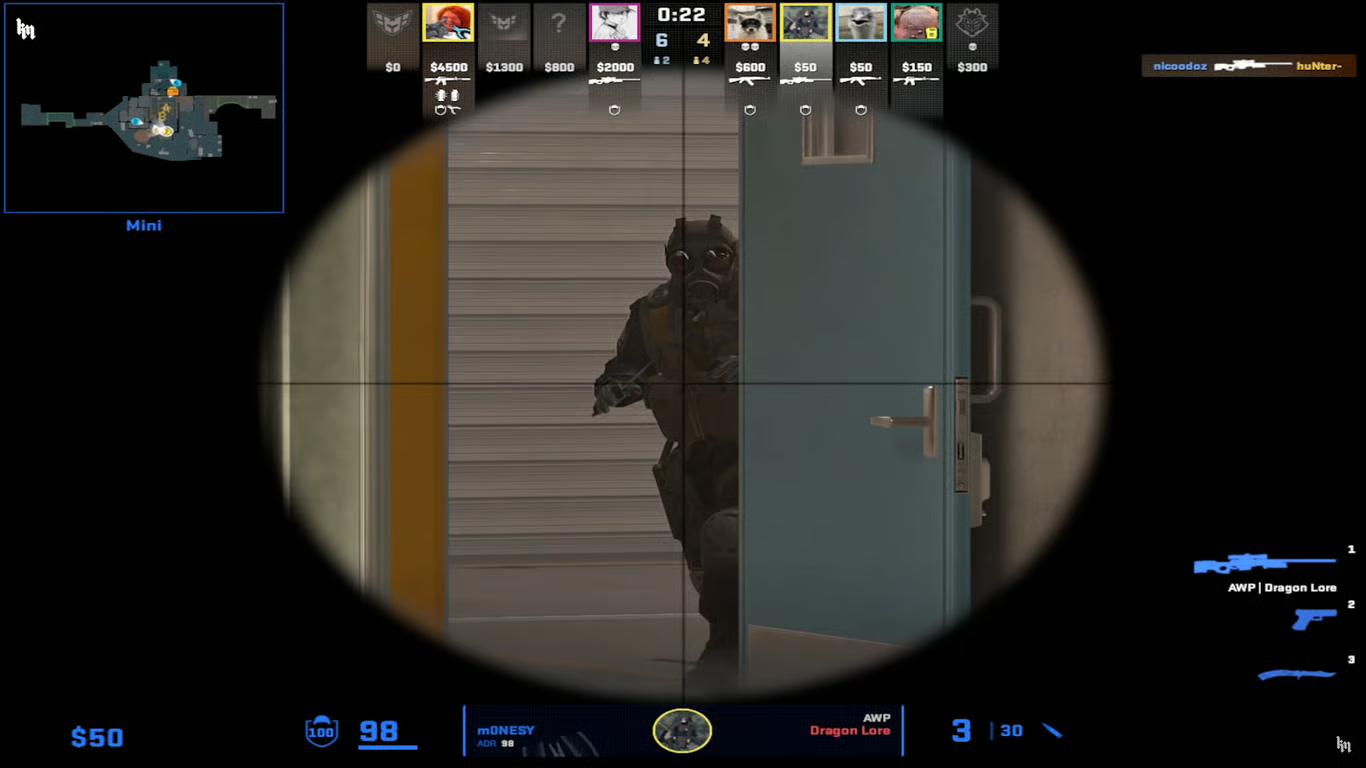
If there’s one thing that makes or breaks your performance in CS2, it’s your aim. But here’s the truth: raw flicks and flashy headshots only take you so far. What you need is consistent, disciplined aim paired with perfect crosshair placement.
Crosshair placement isn’t just about keeping it at head level—it’s about predicting enemy movement. You should be “pre-aiming” where opponents are likely to appear, so that when they peek, your crosshair is already there. That split-second advantage? That’s what wins duels.
Here are key tips:
- Always aim at head level: Sounds simple, but most players forget when running or turning corners. Practice keeping it level regardless of your position.
- Angle clearing: Don’t just rush. Methodically clear angles with your crosshair already positioned where heads will be.
- Tracking vs. Flicking: CS2 favors tracking. Quick flicks look cool, but tracking gives consistent kills. Train both.
Now, how do you improve aim?
- Use aim trainers like Aim Lab or Kovaak’s for warmups.
- Play on training maps like “Aim Botz” or “training_aim_csgo2” in CS2 workshop.
- Consistency is key: Aim improvement comes with daily routines. 30 minutes of structured aim practice can do wonders.
Pro tip? Don’t change your crosshair or sensitivity often. Pick a setup and stick with it until you’ve truly mastered it. Stability in setup leads to stability in performance.
Best Settings for Maximum Performance and FPS in CS2
Let’s face it—CS2 looks beautiful. But if you’re playing competitively, eye candy should take a backseat to performance. Higher FPS equals smoother gameplay and faster reaction times, and that’s crucial in a game where milliseconds matter.
Here’s a breakdown of optimal CS2 settings for competitive play:
Graphics:
- Resolution: 1280×960 stretched or 1280×1024 black bars (personal preference, but lower res improves visibility and FPS).
- Display Mode: Fullscreen (to reduce input lag).
- Multisampling Anti-Aliasing Mode: None or 2x (anything more is unnecessary).
- Texture and Shader Detail: Low (save resources).
- V-Sync: Off.
- Boost Player Contrast: On.
Advanced Launch Options:
-novid -tickrate 128 -high -freq 240 +fps_max 0 +cl_interp_ratio 1 +cl_interp 0
These commands help prioritize your CPU and optimize server tick handling.
Windows Tweaks:
- Set CS2 to “High Performance” in GPU settings.
- Disable background apps and unnecessary overlays (like Discord or NVIDIA ShadowPlay).
- Enable Game Mode in Windows and disable Xbox Game Bar.
Performance isn’t just about FPS. It’s about input lag, stutter reduction, and having a system that doesn’t distract you mid-game. So tune your settings for maximum smoothness, not aesthetics.
Mouse Sensitivity and DPI Configuration Like a Pro
Sensitivity settings in CS2 can be a game-changer—or a deal-breaker. A lot of new players go for high sensitivity to turn quickly, but pros? They do the opposite. Low sensitivity = high accuracy.
Here’s a pro guideline:
- DPI: Most pros use 400 or 800 DPI.
- In-game sensitivity: Between 1.5 and 2.5 is standard.
- eDPI (DPI x Sensitivity): 600–1000 is the pro sweet spot.
So if your DPI is 800, your in-game sens should be around 1.25 for an eDPI of 1000.
Why low sensitivity? It allows for precise, controlled aiming. You might sacrifice fast turns, but you’ll gain dead-on accuracy in fights.
Other mouse tips:
- Disable mouse acceleration in Windows and CS2.
- Use a large mousepad to accommodate low sens.
- Practice full-arm aiming instead of wrist flicks for larger movements.
Test your sensitivity in a deathmatch server. If you’re overshooting or undershooting a lot, adjust slightly until it feels natural. Then don’t change it. Mastery comes from consistency.
Game Sense and Map Awareness
Understanding Game Sense: The Invisible Skill
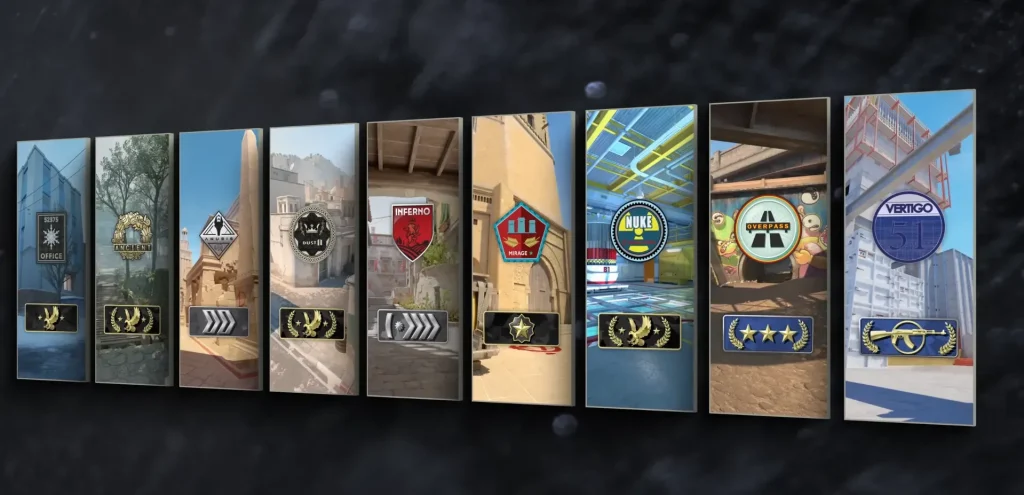
Ever wonder how some players always seem to know where their enemies are? That’s not magic—it’s game sense. It’s a skill that separates the good from the great. While raw aim can get you frags, game sense gets you wins. And unlike aim, which you can improve with repetition, game sense is all about reading the game like a chess match.
So what exactly is game sense?
- Prediction: Understanding enemy habits and guessing their next move.
- Positioning: Putting yourself in the right spot at the right time.
- Timing: Knowing when to push, when to hold, and when to rotate.
- Info processing: Quickly absorbing and acting on team comms, radar info, and enemy behavior.
Here’s how to build it:
- Watch pro matches: Observe how pros rotate, hold angles, and peek. It’s a masterclass in decision-making.
- Play consciously: After each round, ask yourself: “Why did I die?” and “What could I have done differently?”
- Learn from losses: Every death is a lesson if you pay attention.
And don’t underestimate audio cues. Game sense is about awareness, and sound plays a huge role in predicting enemy actions. Whether it’s a footstep on catwalk or a dropped gun in mid, that tiny sound can tell you exactly what’s about to happen.
With enough time and intention, game sense becomes second nature. That’s when you go from just shooting to outplaying your opponents.
Learning Callouts and Map Control
Map knowledge is fundamental in CS2. Every map has unique choke points, angles, timings, and most importantly—callouts. If you don’t know your Mirage from your Inferno, you’re already at a disadvantage.
Here’s why callouts matter:
- You and your team must speak the same language. “One jungle” is a lot more helpful than “One near that thing by the boxes.”
- They enable faster, more effective rotations and team decisions.
- Knowing callouts helps you understand where enemies could be and how to counter them.
Some classic maps and vital callouts:
- Mirage: Jungle, Connector, Palace, Cat, Ladder Room, A Ramp
- Inferno: Banana, Pit, Arch, Library, Apartments, Boiler
- Dust 2: Long, Short, Catwalk, Tunnels, B Doors, CT Spawn
Now, let’s talk map control. This means owning space—physically and psychologically. You don’t need to push every time, but forcing your enemies to respect your presence is powerful.
How to gain map control:
- Use utility to clear or deny areas (smokes, mollies).
- Take aggressive peeks early, then fall back.
- Make noise in one area to draw rotations, then hit another site.
- Coordinate with teammates to double peek or bait out enemy positions.
Control the map, and you control the game. Knowing how to take and hold space will give your team more opportunities and better positions to win rounds.
Mastering the Radar and Mini-map for Tactical Advantage
The radar in CS2 is a goldmine of information—if you use it right. Most casual players ignore it until it’s too late. Pros? They glance at it constantly, like checking the rearview mirror while driving.
Here’s how to get the most out of your radar:
- Track teammates: Know where your teammates are holding or pushing. This helps you avoid stacking and cover unguarded areas.
- See enemy positions: When a teammate spots an enemy, it briefly appears on your radar—even if you didn’t see them directly.
- Plan rotations: Noticing an empty A site on the radar can help you make smart calls on the fly.
Customize your radar settings for better visibility:
- Increase radar scale so you see more of the map.
- Enable “always centered” for better awareness of your position.
- Adjust HUD size so the radar isn’t distracting but still readable.
Also, pair radar use with sound. If you hear shots in mid and see your mid player fall back on the radar, that’s a huge clue. Maybe it’s time to rotate or push another angle.
Developing this awareness gives you the power to anticipate moves and support your team more effectively. It’s like playing with x-ray vision—only it’s legit.
Advanced Movement Techniques
Counter-Strafing and Peeking Like a Pro
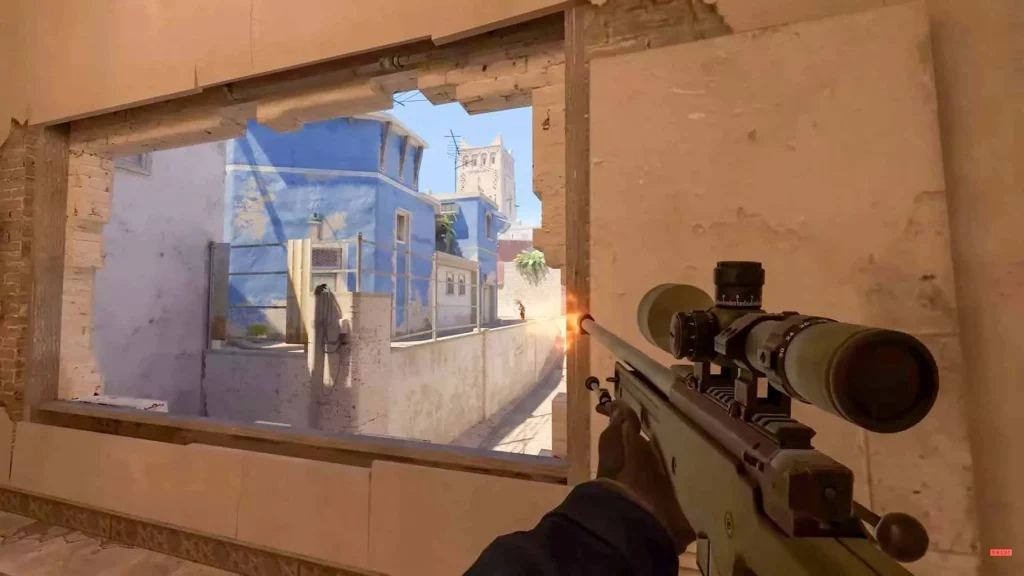
Movement in CS2 isn’t just about getting from point A to point B—it’s about positioning, peeking, and stopping on a dime. This is where counter-strafing comes in, a high-level technique that lets you shoot with perfect accuracy even while moving.
Here’s how it works:
- When you move left (A), tap right (D) quickly to stop instantly.
- When you move right (D), tap left (A) to stop.
- You shoot as soon as you tap the opposite key—this cancels your movement and gives you full accuracy.
This allows you to peek, shoot, and return to cover without the accuracy delay that comes from regular movement.
Next up is peeking. This isn’t about randomly swinging around corners. Pro-level peeking involves:
- Shoulder peeks: Quick left-right movement to bait out shots or info.
- Jiggle peeks: Slight peeks with micro-movement to spot enemies without full exposure.
- Wide swings: Fully commit to the angle to surprise players holding tight.
Knowing when to use each peek depends on the situation. Facing an AWPer? Shoulder peek to bait. Clearing close corners? Wide swing with a flash.
Combine peeking with counter-strafing, and you’ll start winning more duels just by mastering movement.
Bunny Hopping and Surfing – Is It Worth It in CS2?
Let’s talk about the flashy stuff—bunny hopping and surfing. While these aren’t essential for most scenarios, mastering them gives you a unique edge in movement-heavy situations.
Bunny hopping (bhop) is a technique where you jump and strafe mid-air to maintain or even gain speed. It looks cool and, in some situations, can help you rotate faster or make unpredictable movements in fights.
How to bhop:
- Jump.
- While in the air, hold left or right strafe (A or D).
- Move your mouse in the same direction.
- Land and immediately jump again using scroll wheel (bind jump to scroll for consistency).
It’s tough to master, but once you do, you’ll move smoother and faster, especially when avoiding utility or rotating fast.
Surfing, on the other hand, is more of a niche skill—mainly used in surf maps for fun or warm-ups. It doesn’t translate much into regular gameplay but helps build air control and general movement finesse.
That said, learning to move like this makes you feel more in control of your in-game body. And in a game as punishing as CS2, that feeling of control can be the difference between dying and clutching the round.
Utility Usage and Strategy
Perfecting Smoke Lineups and Flashbang Throws
Utility isn’t just support—it’s strategy. In CS2, a well-timed smoke or flash can win an entire round before a single bullet is fired. If you want to compete at a high level, you must master your utility.
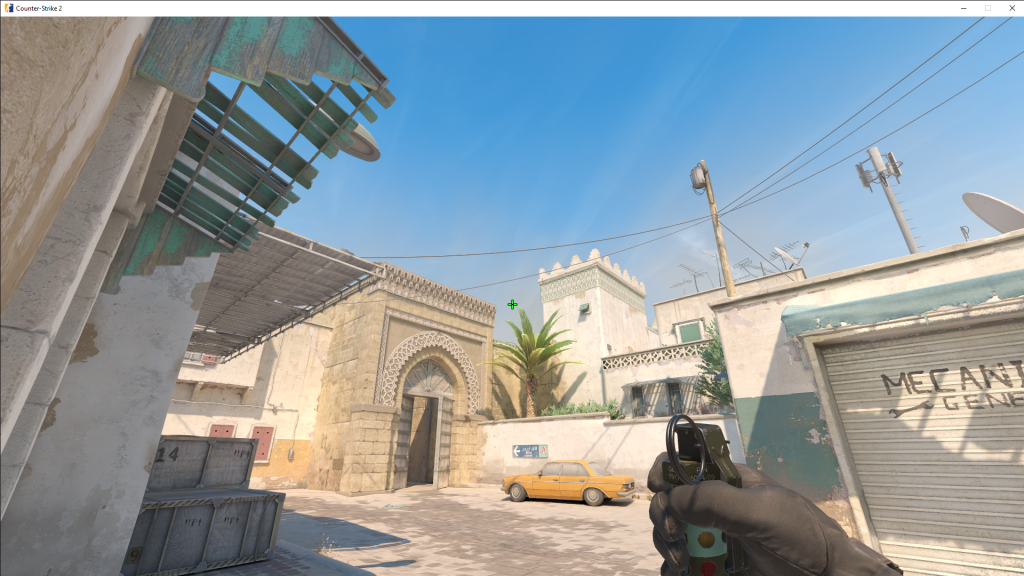
Let’s start with smokes. Unlike CS:GO, CS2’s new dynamic volumetric smokes can be partially displaced by gunfire or grenades. This means:
- Smokes are no longer static. Spraying or throwing a HE grenade can punch a hole through them.
- You must be careful not to assume total safety inside one.
But the fundamentals still apply. Every map has essential smoke lineups:
- Mirage: CT spawn, Jungle, Window
- Inferno: Coffins, CT, Top Mid
- Overpass: Heaven, Bathroom, Divider
Learning these gives you the power to:
- Block vision and deny AWPs
- Execute safer pushes
- Delay retakes and waste enemy time
Pro tip: use jump throws consistently. Bind a jump-throw macro (if allowed by the server) or practice manual timing. Precision is key.
Now let’s talk flashbangs. A well-placed flash blinds enemies and gives your team free kills. But random throws? Useless.
Three types of flashes to master:
- Pop flashes: Quick, no-warning flashes that explode instantly in enemy faces.
- Support flashes: Thrown for teammates entering an area.
- Retake flashes: Used while retaking a site, ideally bouncing off walls or over rooftops.
Use cover, angles, and map knowledge to maximize flash effectiveness. Don’t just throw them—use them with purpose. With perfect utility, you force enemies into bad positions, rush them, isolate duels, and win rounds without even seeing the enemy.
Molotovs and Grenades for Site Control and Denial
Molotovs and HE grenades are your area denial tools. While flashy players chase highlights, real pros win by denying space.
Molotovs:
- Used to clear common spots like Ninja, Sandbags, New Box, or Pit.
- Perfect for flushing out campers or delaying pushes.
- Can delay bomb plants or defuses when used correctly.
Throwing a molly into a common hold position forces the enemy to choose: burn or peek. Either way, they’re vulnerable.
Tips for Molotov mastery:
- Learn molly lineups for key post-plant spots.
- Use them to buy time when you’re alone on site.
- Deny fast rushes (especially on B sites) with early mollies.
HE grenades, on the other hand, can be used to:
- Damage grouped enemies (think T-side rushes).
- Finish off low HP players hiding behind cover.
- Combine with other utility to trap enemies.
But they’re not for spam. A poorly timed HE does nothing. A well-timed one? It turns a full health enemy into a one-tap target.
Combine all your utility—smokes, flashes, molotovs, and HE grenades—into executions and retake protocols. That’s what teams like NAVI and Vitality do. It’s not just about aim—it’s about making the enemy blind, burning, boxed in, and panicking.
Now that’s how you take control of a match.
Roles and Team Coordination

Understanding Player Roles: Entry, Support, Lurker, IGL, AWPer
In CS2, success comes from cohesion, not chaos. Each player has a job to do, and understanding roles brings structure to your team’s play. Let’s break them down:
- Entry Fragger:
- First into the site.
- Takes initial duels and breaks open defenses.
- Needs fearless aim and lightning-fast decision-making.
- Support:
- Throws smokes, flashes, and mollies for the entry.
- Trades frags and holds passive angles.
- The backbone of coordination.
- Lurker:
- Plays opposite side of the map.
- Times flanks, cuts off rotations, or creates distractions.
- Must be unpredictable and smart with timing.
- IGL (In-Game Leader):
- Calls strats and controls pacing.
- Reads opponents and makes mid-round adjustments.
- Needs big-picture awareness, calmness, and leadership.
- AWPer:
- Sniper role, holds long sightlines.
- Anchors sites or picks off rotating enemies.
- Must be accurate and decisive.
Each role contributes to the round’s outcome. Great teams don’t have five AWPers or five entry fraggers—they have balance, chemistry, and communication.
Learn your strengths, pick a role, and master it. If you’re naturally aggressive with great aim, entry fragging might be your calling. More tactical? Maybe IGL or support is your niche.
And remember: good players play their role. Great players understand every role and can adapt mid-match.
How to Communicate and Coordinate Like Tier-1 Teams
Communication in CS2 is like oxygen—it needs to be clear, consistent, and constant. You could have five insane aimers, but without comms? You’re just five solo queue heroes.
Here’s how to talk like the pros:
- Call location, numbers, and info: “Two pushing Banana, both AKs, no util.”
- Use calm, short phrases: Panic screams don’t help anyone.
- Don’t flood the mic: Say what matters. Cut the noise.
The best teams also coordinate timings:
- Push together.
- Trade kills immediately.
- Double peek angles.
- Pop-flash for entries.
- Pre-communicate rotations or save calls.
Practice makes perfect. Even in PUGs, work on:
- Saying “I flash, then you peek.”
- Calling “I’m holding push” or “Rotate now.”
- Offering ideas like “Let’s fake B and hit A.”
Also, use pings or binds if needed, but voice comes first.
A team that talks wins more rounds. A team that listens? Wins championships.
Psychological Warfare and Tilt Management

Reading Opponents and Playing Mind Games
CS2 is more than aim and utility—it’s mental warfare. At high levels, winning a round is often about outthinking your opponent.
Examples of psychological tactics:
- Changing pace: Rush 3 rounds, then slow default—catch them off guard.
- Fake executes: Throw full utility at A, rotate and hit B while they rotate.
- Conditioning: If you molly a spot every round, they’ll start avoiding it—then you peek it dry.
Watch for patterns in your enemies:
- Do they always push mid on eco?
- Does the B player always rotate fast?
- Does the AWPer hold the same angle?
Once you learn their habits, you can bait them into making mistakes. Predict their moves and punish them.
Also, use your microphone to apply pressure:
- After a clutch, say “Too easy, bro.”
- After a fake, say “You guys fall for everything.”
It’s not about being toxic—it’s about disrupting their flow. But remember, you must stay composed yourself…
How to Stay Calm and Focused Under Pressure
Ever been on match point with sweaty palms and shaky aim? That’s tilt and nerves kicking in. To play like a pro, you need emotional control.
Here’s how the best manage pressure:
- Breathe between rounds. Seriously—deep, slow breaths reset your brain.
- Don’t dwell on mistakes. Everyone whiffs. Move on.
- Stay in the present. One round at a time. Not thinking about the scoreboard, not thinking about the clutch.
If you’re feeling tilted:
- Turn off voice chat temporarily.
- Focus only on crosshair and minimap.
- Say something positive to your team, even if it’s small.
Pro teams often use mental coaches. That’s how important this is.
Want an edge? Practice your mental game like you practice your aim. Because a cool head wins hot matches.
Practicing Like a Pro
Daily Routines and Aim Training Maps
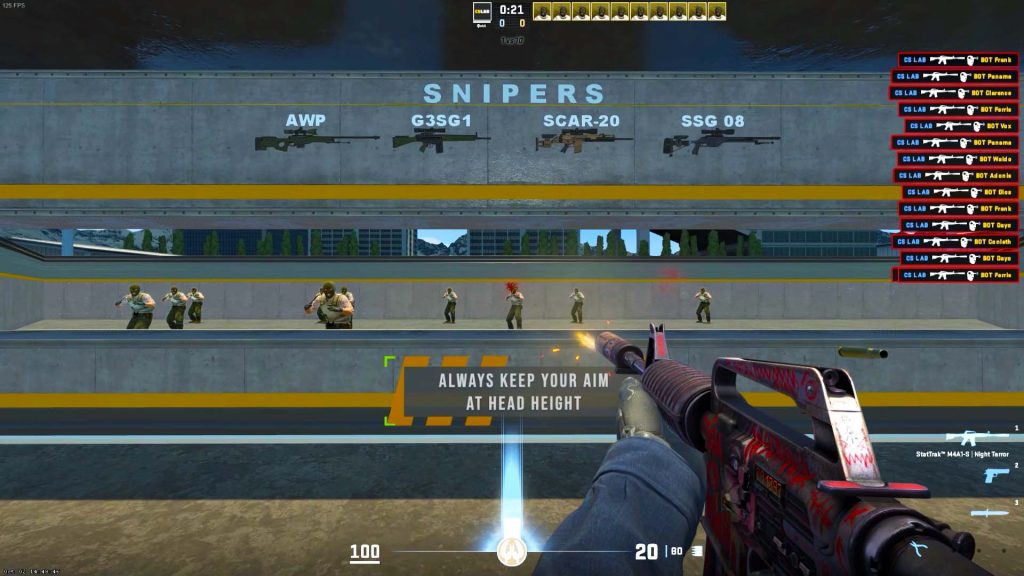
You can’t just log in, play a match, and expect to get better. Deliberate practice is what separates casuals from competitive killers. If you want to see serious improvement, you need a daily training routine—just like the pros.
Here’s a sample 1-hour daily training schedule used by high-ELO players:
- Warm-up (15 minutes)
- Map: Aim Botz
- Focus: One-tap headshots with AK/M4.
- Goal: Kill 500 bots, focus on accuracy > speed.
- Flick Training (10 minutes)
- Map: training_aim_csgo2 or YPrac
- Track moving targets or do timed flick tests.
- Use AWP or Deagle for precision practice.
- Spray Control (10 minutes)
- Map: Recoil Master
- Learn full spray patterns of AK-47, M4A1-S, M4A4.
- Practice controlling it while moving and peeking.
- Deathmatch (15 minutes)
- Join a 128-tick community server.
- Focus on headshots only.
- Don’t chase kills—work on angles and awareness.
- Retake or Prefire Training (10 minutes)
- Use prefire maps like “YPrac Prefire” or play retake servers.
- Train site takes and holding angles under pressure.
Do this consistently for 2–4 weeks and you’ll see drastic improvements—not just in aim, but in reaction time, crosshair discipline, and confidence.
Pro players also recommend:
- Sleep and diet matter. A tired brain can’t frag.
- Use hand stretches and wrist exercises to avoid strain.
- Record your gameplay, watch it, and correct mistakes.
Improvement is a process. Trust the routine.
Watching Demos and Learning from Pros
CS2 isn’t just about playing—it’s about studying the game. Watching demos of professional matches or your own gameplay is like reviewing game tape in sports—it’s where true growth happens.
Here’s why demo reviews are essential:
- See decision-making in action.
- Understand rotation timing and utility usage.
- Learn how pros clutch, hold, and reposition under pressure.
How to review a demo effectively:
- Watch from your POV.
- What did you do right or wrong?
- Did you communicate well?
- Were you positioned correctly?
- Watch from the enemy’s POV.
- How did they catch you off guard?
- What utility or movement did they use?
- Watch from a pro’s POV.
- Download demos from HLTV.
- Follow players like s1mple, ZywOo, NiKo.
- Observe their crosshair placement, timing, and utility.
Combine watching with note-taking. You’re looking for patterns, not highlights.
You’ll start noticing:
- “Oh, I always push mid with no flash—bad habit.”
- “I die from the same angle 3 rounds in a row—need to adjust.”
Pros also use third-party tools like ShadowPlay, OBS, or CS2’s built-in replay viewer to study game footage. Treat your own games like a movie you’re directing—analyze, adjust, and execute.
Climbing the Ranks in CS2
Matchmaking vs. FACEIT vs. ESEA – What’s the Best?
Let’s clear this up—not all CS2 matchmaking is equal. If you’re serious about improving and climbing, you need to know the differences between MM (Matchmaking), FACEIT, and ESEA.
1. CS2 Matchmaking
- Uses Valve’s official system.
- Now has Premier Mode with visible ranking (Elo-based).
- Great for casual grinding and warm-up.
Pros:
- Easy to queue, less setup.
- Good for newer players.
Cons:
- Tickrate issues (Valve servers are 64-tick).
- Less competitive at higher ranks.
- Many cheaters and inconsistent skill gaps.
2. FACEIT
- Independent competitive platform.
- Uses 128-tick servers (better performance).
- Elo system with levels (1-10, then 1000+ Elo scale).
Pros:
- True competitive environment.
- No trust factor—smurfing is less common.
- Better anti-cheat and consistent teammates.
Cons:
- Toxicity can be higher.
- Long queue times at night or high Elo.
3. ESEA
- Similar to FACEIT, but with a monthly fee.
- Includes leagues and tournaments.
- Better support for team play and long-term growth.
Pros:
- Ideal for players looking to join teams.
- Direct access to semi-pro and pro competition.
Cons:
- Smaller player base.
- Cost might not be worth it for solo grinders.
Conclusion: If you’re just starting out—play CS2 Premier. But if you want to go next level, jump to FACEIT. Want to go pro? Combine FACEIT + ESEA and start grinding leagues.
Ranking Up Faster Without Burnout
Climbing ranks is exciting… until it turns into a mental grind. If you’re losing streaks, raging, or constantly checking Elo trackers—you’re likely burning out. Here’s how to rank up efficiently and sustainably:
- Play in sessions, not marathons
- 2–3 focused matches a day > 10 sloppy ones.
- Take breaks between games to reset mentally.
- Solo vs. Stack wisely
- Solo queue can teach resilience.
- 2-3 stacks are ideal for coordination without chaos.
- Full 5-stacks often lead to mixed results without clear leadership.
- Focus on performance, not just W/L
- Did you win your duels?
- Did you make smart decisions?
- Are you improving every game?
- Stay positive
- Avoid blaming teammates.
- Mute toxicity early.
- Hype your team—positive vibes = better games.
- Track progress weekly, not daily
- Elo and ranks fluctuate.
- Focus on long-term skill development, not short-term ratings.
You’ll enjoy the game more, perform better, and rank up without losing your mind.
The Future of CS2 Esports
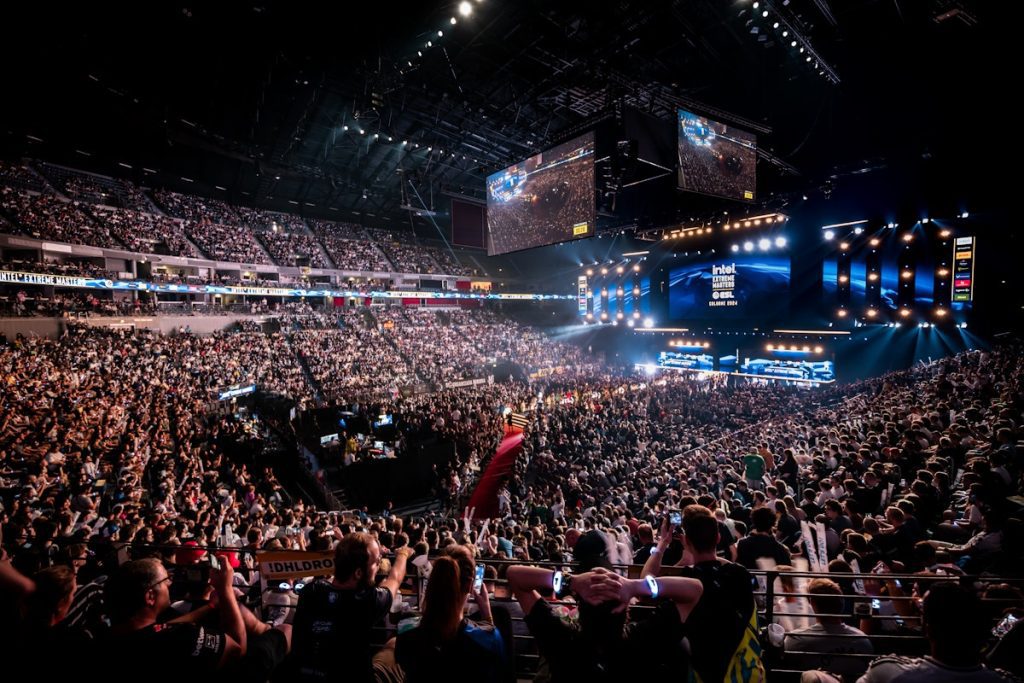
CS2’s Impact on the Competitive Scene
CS2 isn’t just a graphics upgrade—it’s a full-blown competitive ecosystem evolution. With Source 2’s introduction, Valve has laid the foundation for a smoother, more balanced, and viewer-friendly experience.
Key upgrades include:
- Sub-tick system: Better server responsiveness, fairer hit registration.
- Volumetric smokes: Tactical depth, visibility manipulation.
- Enhanced audio: Pinpoint positional sound improves clutch potential.
With these changes, pro matches feel sharper and more exciting. Smokes no longer create black holes—AWPers can counter them. Spray-through kills make more sense. It’s a new meta playground for elite teams.
On the business side:
- Prize pools are increasing with more sponsors entering.
- Regional scenes are growing (Asia, South America, Africa).
- Content creation and coaching roles are exploding around CS2.
Simply put, CS2 is here to stay, and its competitive scene is only going to get bigger.
How to Start Your Journey Toward Going Pro
Dream of playing on a stage under flashing lights? Here’s the path many pro players take—from bedroom grinder to esports arena:
- Grind FACEIT or ESEA
- Get to Level 10 or high Elo consistently.
- Build a profile that shows you’re skilled and reliable.
- Join amateur tournaments
- Use platforms like Challengermode, Toornament, or ESEA Open.
- Gain experience, build your name.
- Find a team
- Network through Discord, Reddit, or FACEIT hubs.
- Be active in communities and stay coachable.
- Compete in leagues
- Work your way up ESEA Open > Intermediate > Main > Advanced.
- Get noticed by scouts and orgs.
- Stay dedicated
- Train daily, watch demos, refine your playstyle.
- Learn from every loss and never get complacent.
The road is long—but every pro started where you are now. Stay focused, stay humble, and keep grinding.
Conclusion
CS2 isn’t just a game—it’s a test of skill, patience, and mental strength. From mastering aim and movement to understanding smokes and rotations, becoming a top-tier player takes more than just time—it takes intention.
This guide has walked you through the advanced mechanics, strategies, and mindsets that pro players use daily. Whether you’re climbing FACEIT levels or dreaming of LAN tournaments, every tip here is a stepping stone toward mastery.
So gear up, lock in, and keep grinding. CS2 is a beautiful beast—and now you know how to tame it.
FAQs
What’s the most important skill in CS2?
Game sense. While aim is essential, smart decision-making, timing, and map awareness consistently win more rounds than flashy headshots.
How long does it take to get good at CS2?
With daily focused practice, most players see big improvements in 3–6 months. Mastery takes years, but progress is fast if you’re disciplined.
Is FACEIT better than CS2 matchmaking?
Yes, especially for competitive players. FACEIT offers 128-tick servers, better matchmaking, and more consistent teammates.
How do pros practice their aim?
They follow structured routines using maps like Aim Botz, Deathmatch, and YPrac maps. Daily consistency and discipline are key.
Can you go pro starting late in CS2?
Absolutely. Many pros started in their 20s. What matters most is your grind, game IQ, and dedication—not your age.